A lightweight macOS tray utility that monitors your battery, CPU, memory, disk, and network activity - all in one clean popup window.
Battery & System Guardian provides comprehensive system monitoring in a clean, intuitive interface with real-time stats and notifications.
Real-time CPU usage, temperature, and status with detailed performance graphs and per-core statistics.
Monitor RAM usage, swap, and memory pressure with visual indicators to keep your system running smoothly.
Track disk layout, I/O activity, read/write speeds, and storage usage across all your drives in real-time.
Real-time upload/download speeds, data usage, network interface statistics and connection monitoring.
Battery charge notifications, health monitoring, time remaining estimates to extend your battery life.
Active users, uptime tracker, GPU load, resolution info, local system time, and timezone information.
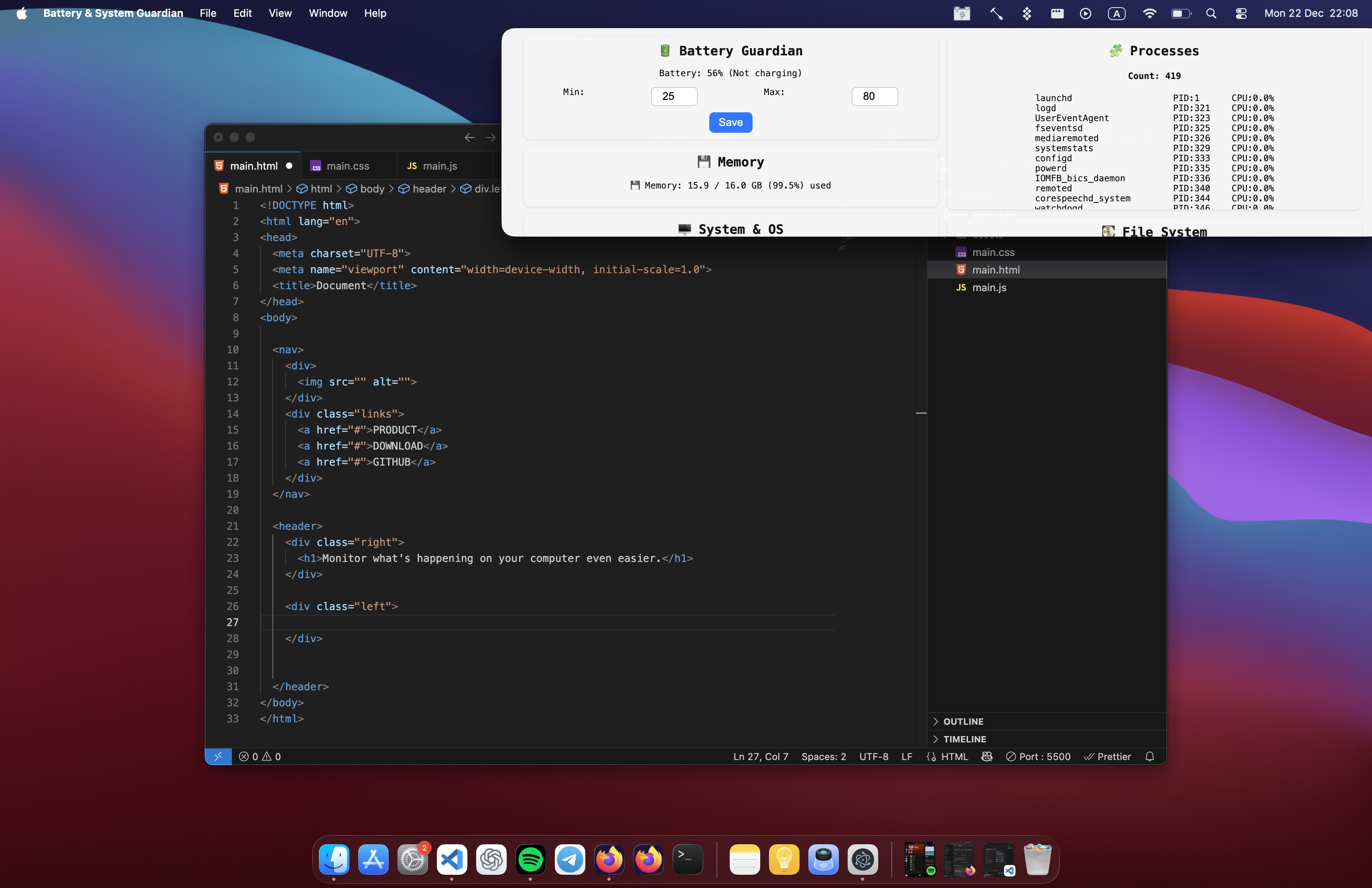
Get started with Battery & System Guardian in just a few simple steps. Download, install, and start monitoring in under 2 minutes.
# Download now
# Click the "Download Now" button on the website
Or download the latest .dmg or .zip file from the GitHub Releases page for your macOS version.
# Download from GitHub Releases
# Visit: https://github.com/Tenyokj/Battery-System-Guardian-/releases/tag/v.1.0.0
Unzip the downloaded file and drag "Battery & System Guardian.app" to your Applications folder.
# Move to Applications folder
mv ~/Downloads/"Battery & System Guardian.app" /Applications/
If macOS marks the app as untrusted (Gatekeeper), run this command in Terminal:
# Fix app permissions
xattr -cr "/Downloads/Battery & System Guardian.app"
Or if you've moved it to Applications:
xattr -cr "/Applications/Battery & System Guardian.app"
Launch the app from your Applications folder — it will appear as a small icon in your macOS menu bar. Click to view all system stats!
# Open from Terminal (optional)
open /Applications/"Battery & System Guardian.app"
Everything developers and power users need to know about Battery & System Guardian architecture and capabilities.
Built with modern technologies for maximum performance, reliability, and a native macOS experience.
# Clone the repository
git clone https://github.com/tenyokj/Battery-System-Guardian-.git
cd battery-guardian
# Install dependencies
npm install
# Run in development mode
npm start
# Build as macOS App
npm run make
The built files will appear inside the out/make/ folder as both .app and .dmg installer.
To enable full monitoring capabilities including process and active window tracking, grant these permissions:
System Settings → Privacy & Security → Accessibility → Battery Guardian
You can distribute the app in two ways. Automatic update notifications are built-in for new releases.
Download Battery & System Guardian today and take complete control of your Mac's performance, battery life, and system health.
Download Latest ReleaseAvailable for macOS 10.13+ • Intel & Apple Silicon