Scan QR Code
Use your mobile wallet app to scan these QR code for quick donations.
Ethereum (ETH)
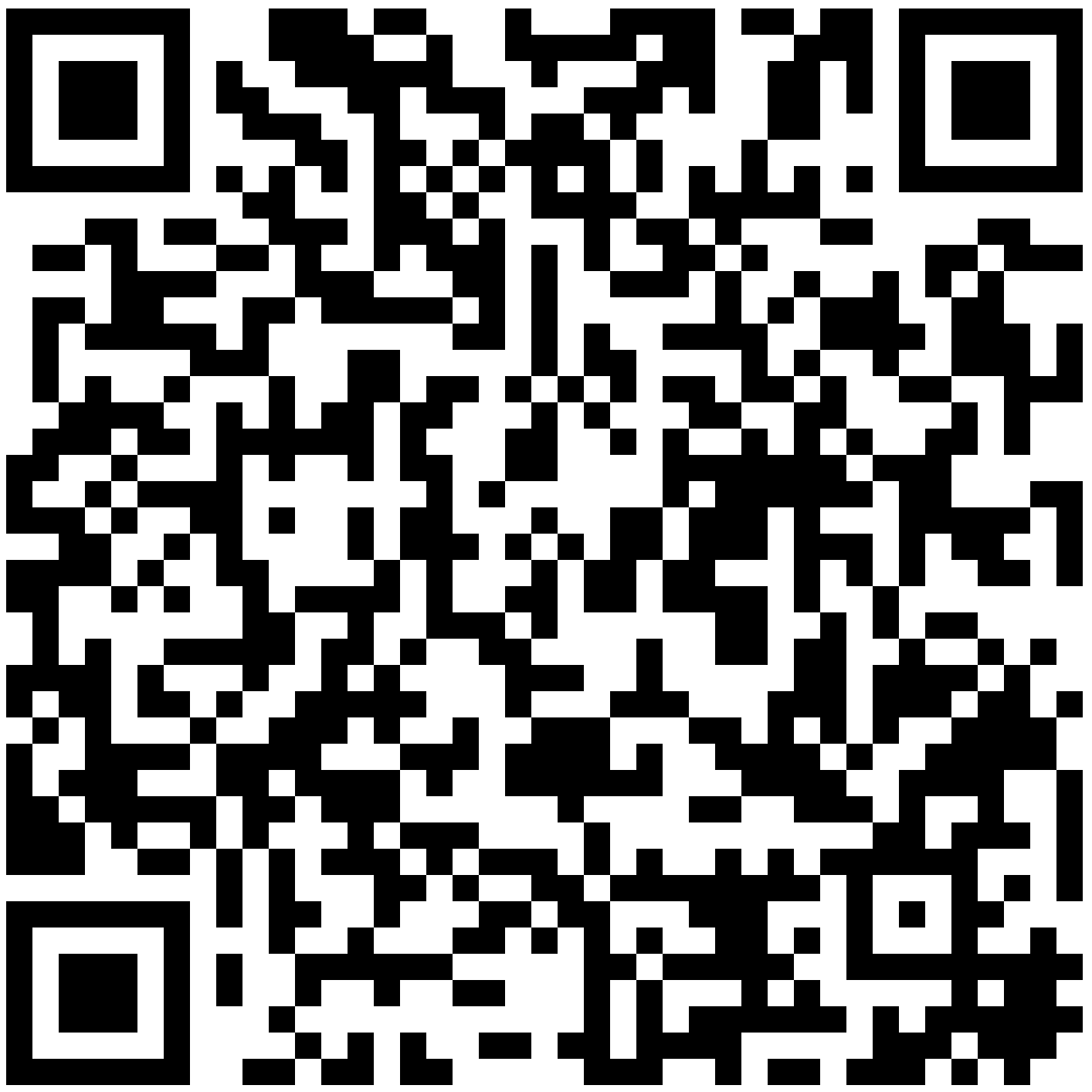
Scan to send Ethereum
Your donations help keep this utility free, open source, and continuously improved. Every contribution matters!
Choose your preferred cryptocurrency to support the development. All donations go directly to funding improvements and new features.
Send ETH or any ERC-20 token directly via MetaMask browser extension.
0xa4b0a01db1d68d4cdb007f78bab63cb4ebd814bf
Send Bitcoin directly to our wallet address for direct support.
bc1qcawq9ydv3fywql223cv7h6tc282rre2jg54gam
Keep us running—tip SOL straight to our wallet.
58juro96feSDLrEb7pDKpDvyDsbYgC9Yf4e9GMAr3QdB
Use your mobile wallet app to scan these QR code for quick donations.
Scan to send Ethereum
Follow these simple steps to send cryptocurrency using MetaMask browser extension.
If you don't have MetaMask installed, download it from the official website and set up your wallet. It's a browser extension available for Chrome, Firefox, Brave, and Edge.
Click the "Copy ETH Address" button above to copy our Ethereum wallet address to your clipboard.
Click the MetaMask icon in your browser toolbar and unlock your wallet with your password.
Click "Send" in MetaMask, paste our wallet address, enter the amount you wish to donate, and confirm the transaction.
Your donation will be processed on the Ethereum blockchain. It usually takes a few minutes to confirm.
Your donations directly contribute to: